

The website feedback tool, pinned right onto your WordPress site.
Or install the free version on WordPress.org
Client feedback is still messier than it should be.
Buried in email
Vague screenshots
Slow Loom videos
Generic tools
The website feedback tool for the messy bit between build and sign-off.
Collect clearer feedback
Manage in your editor
Hand off like a pro
From pin to sign-off in one workflow.
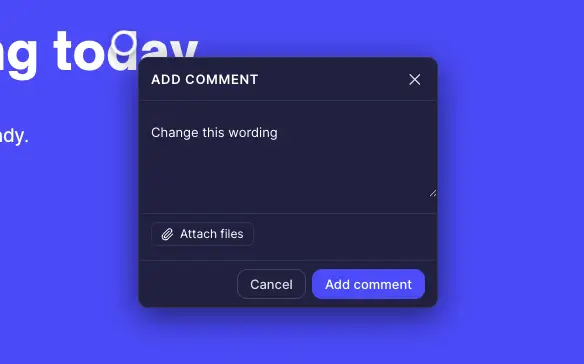
Pin comments on live elements
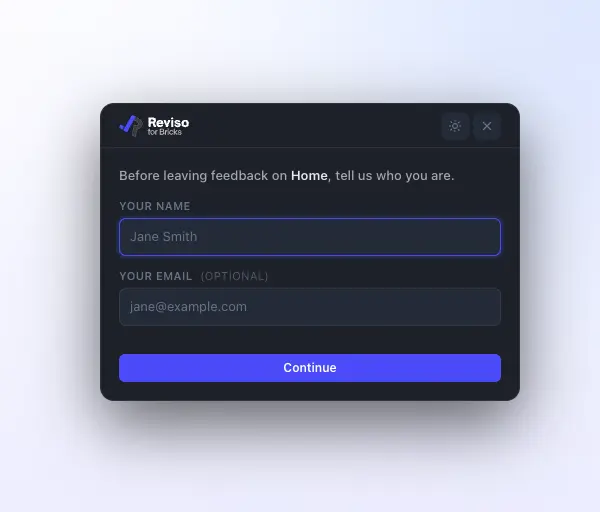
No-login client review mode
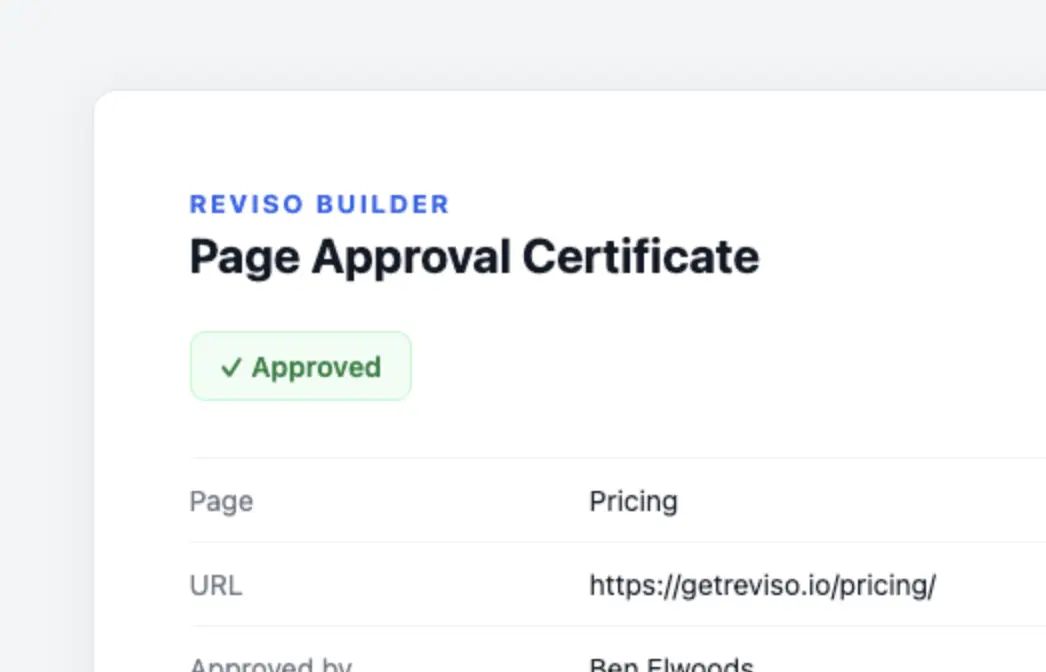
Approvals + signed certificate
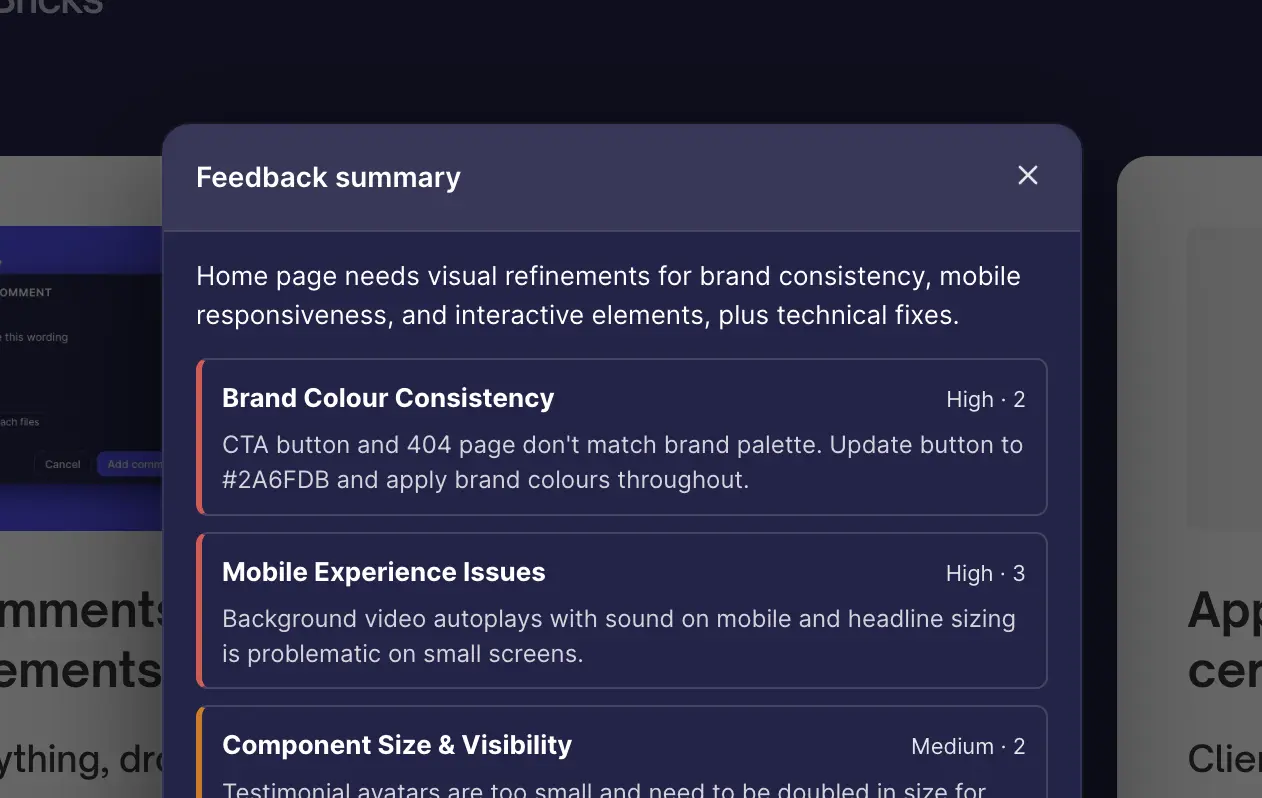
AI that implements feedback, not just summaries
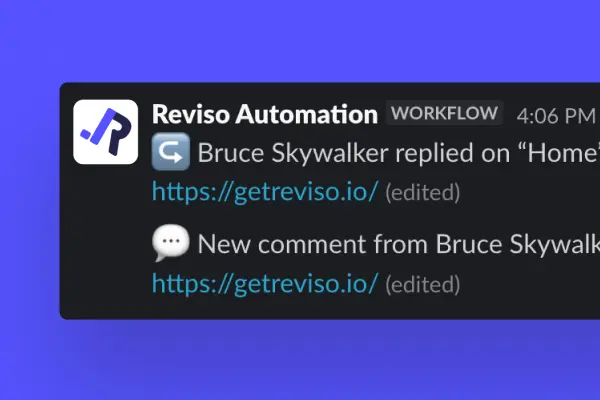
Integrations
White-label
What WordPress users say
“We now have Reviso comments pushed directly into our project management tool so we can get straight to work.”
huxxco · WordPress.org“after moving my WordPress tech stack to bricks this has become the cherry on top and makes client edits a breeze!”
clasomato · WordPress.org“Very responsive dev, great tool, great pricing whether you go lifetime or subscription”
Jonathan Alumbaugh · WordPress.orgDoes Reviso work on any WordPress site?
Yes – native to Bricks, Elementor and Gutenberg, and it works on any WordPress theme or site. WP 6.4+.
Do my clients need an account?
No. They open a review link and comment as themselves – no login, no signup.
Where is the feedback stored?
Core feedback is stored on your own WordPress site. Optional notifications and integrations send data to the destinations you choose. AI summaries use your own provider account. If enabled, Reviso Cloud syncs site details and review counts; its AI assistant also relays requested feedback, screenshots and page structure through getreviso.io. What Reviso Cloud sends.
Does Pro require the free plugin?
Yes. Install Reviso free from WordPress.org, then upload the Pro addon and paste your licence key.
What counts as a site?
One WordPress install. You can activate and deactivate freely; Lemon Squeezy tracks your active activation count.
Do the AI features cost extra?
Reviso does not add an AI subscription. You bring your own OpenAI or Anthropic key; that provider or a connected assistant may charge you separately for usage.
What happens if I cancel Pro?
Your data stays on your WordPress site. Pro features lock; the free plugin keeps working. Re-subscribe any time to restore them.
Can I cancel / get a refund?
14-day money-back on first purchase. See Refund Policy.
Is it really GPL?
Yes; the PHP is GPLv2+. Your license covers updates, support, and activations.
Is this affiliated with Bricks?
No – independent product; “Bricks” is a trademark of its owner.
Can I share a site that's in maintenance or coming-soon mode?
Yes. Send a client a review link and they open the page to leave feedback even while the site is in maintenance or coming-soon mode, with no login, and the site stays hidden from everyone else. It works with the built-in maintenance modes in Bricks and Elementor. See how it works.